 orca.flo
Connect Instagram and Facebook Messenger
Connect your Instagram professional account and your Facebook Page, and your assistant answers their messages the same way it answers WhatsApp. Everything lands in the same inbox.
Updated
Coming soon
Coming soon: this works once OrcaFlo’s Meta approval is complete. Email support@orcaflo-panel.com to be told first.
How it will work
Open Channels
In the left menu, open Channels.
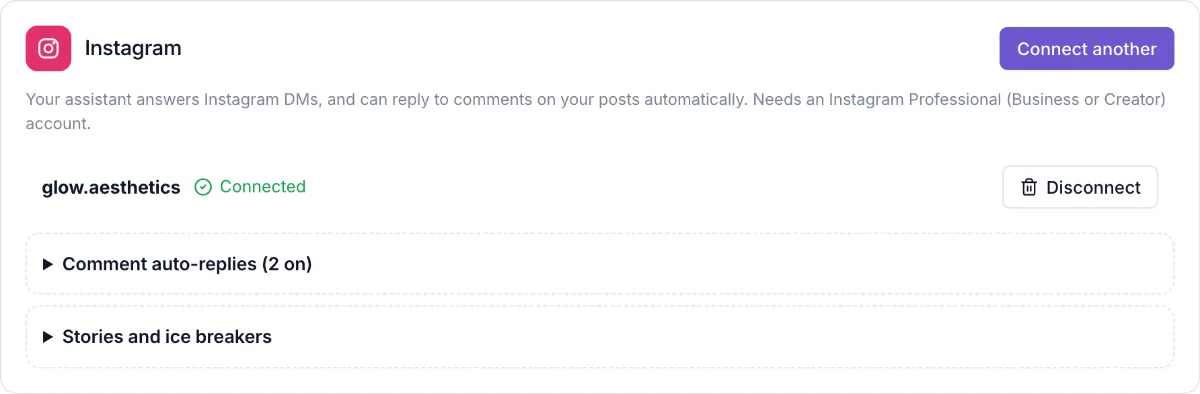
Click Connect Instagram and sign in with Instagram. You need an Instagram Professional (Business or Creator) account.
Facebook Page
Click Connect Facebook, sign in, and pick the Page. Choose Messenger, Lead Ads or both.
Done
New DMs appear in your inbox with an Instagram or Messenger icon. You can pause the assistant and reply yourself, like on WhatsApp.
Good to know
The 24-hour window
Instagram and Messenger let a business reply for 24 hours after a customer’s last message. Your team can reply for up to 7 days.
Disconnect any time
Click Disconnect on the card. OrcaFlo deletes its access straight away.
Questions
Yes. Use Connect another or Add a Page.
No. Instagram connects with your Instagram login.